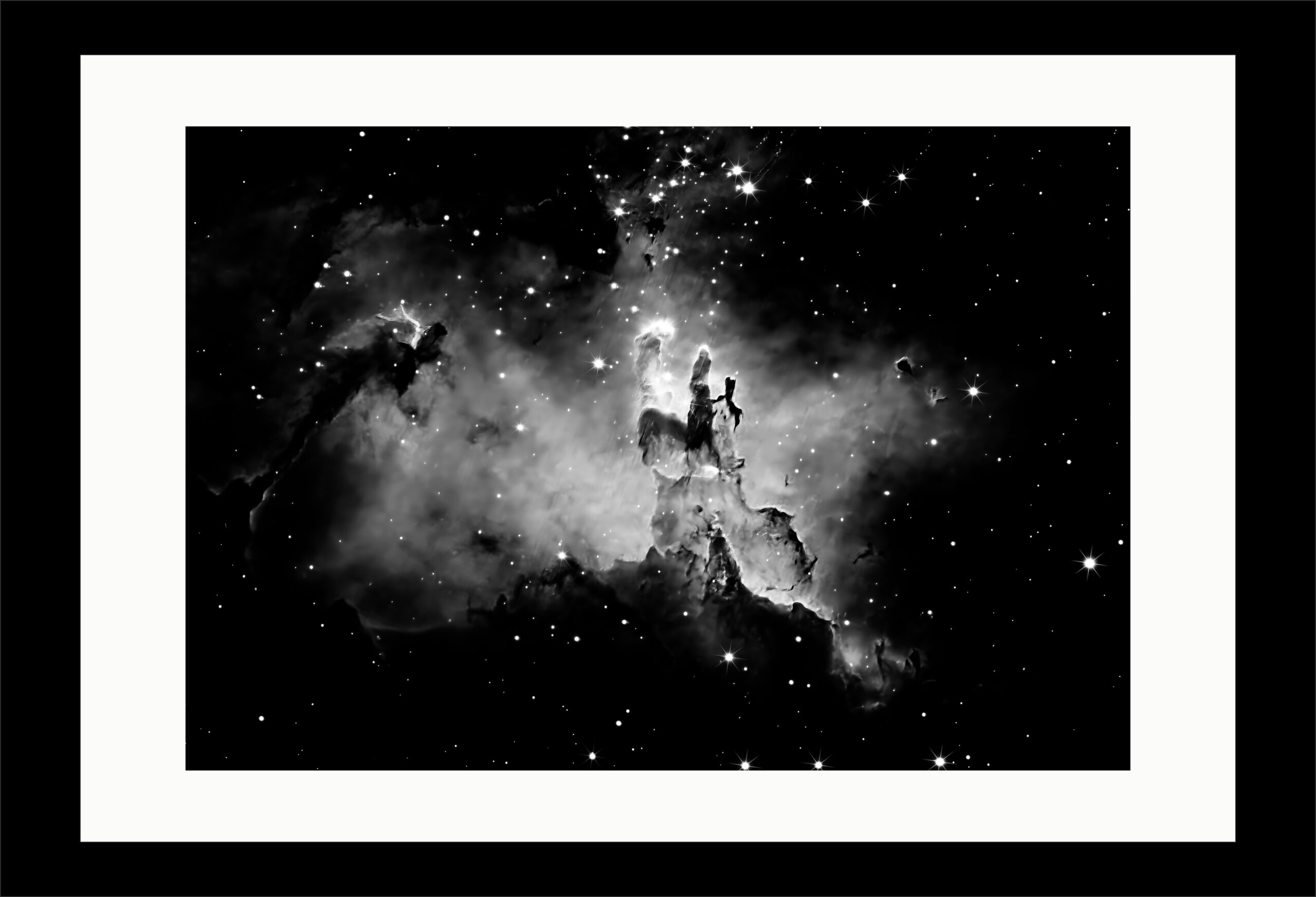
I print with Canon PRO-1000 (southern hemisphere site) or Canon PRO-1100 (northern hemisphere site); although the differences are subtle, quality is better with PRO-1100, the newer version.
I exclusively use Hahnemühle FineArt inkjet papers, and order supplies direct from Hahnemühle in Germany. After much experimentation, the papers I use, depending on the image and the artistic style I wish to create, are:
Hemp Gloss Baryta
Photo Rag® Ultra Smooth
Museum Etching
After much experimentation, I print on A3+ size paper, with a white border of 30mm, surrounded by a black border of 20mm using the Adobe Photoshop plug-in, MBP Fine art Border Tools.
I protect the prints with Hahnemühle Protective Spray
I mount the prints on 5mm thick adhesive white foamboard with aluminium reinforcement – the outcome looking like a framed photograph.
I am also experimenting with the Hahnemühle FineArt Inkjet linen album, A3 size, using 20 pages of Photo Rag® Satin for black & white images and 20 pages of Photo Rag® Pearl for colour images.
I have also been experimenting with publishing an album with BLURB, large landscape on Mohawk proPhoto Pearl paper. The book can be improved.
For this website, I use Hostinger.com/uk as the domain host, with WordPress and Elementor Pro as design agents. I use Off-Black with Blue Tint (#1a1f2c) as the background colour and off-white (#fAf9f6) and light blue/cyan (#A0D8EF) as the text colours.
My stored images for printing are all A3+ size.
I add the A3+ size images to an appropriate catalogue in Adobe Lightroom Classic and batch export them ready for the web, size 2400 by 1695 pixels, 96 pixels/inch.
For the galleries and collections, within WordPress, I add a border 10px thick, dark grey colour (#DED3D3).